




View on Amazon
From the brand


TOP Finds for Every Moment
Anker Smart Display Charger
Power to Drive Your Prime
Pro Fast Charging in a Nano
Best Sellers
Highly Rated
Get Powered Up Now

Anker 332 USB-C Hub (5-in-1) Review: Versatile Connectivity and Convenient 4K Display Support
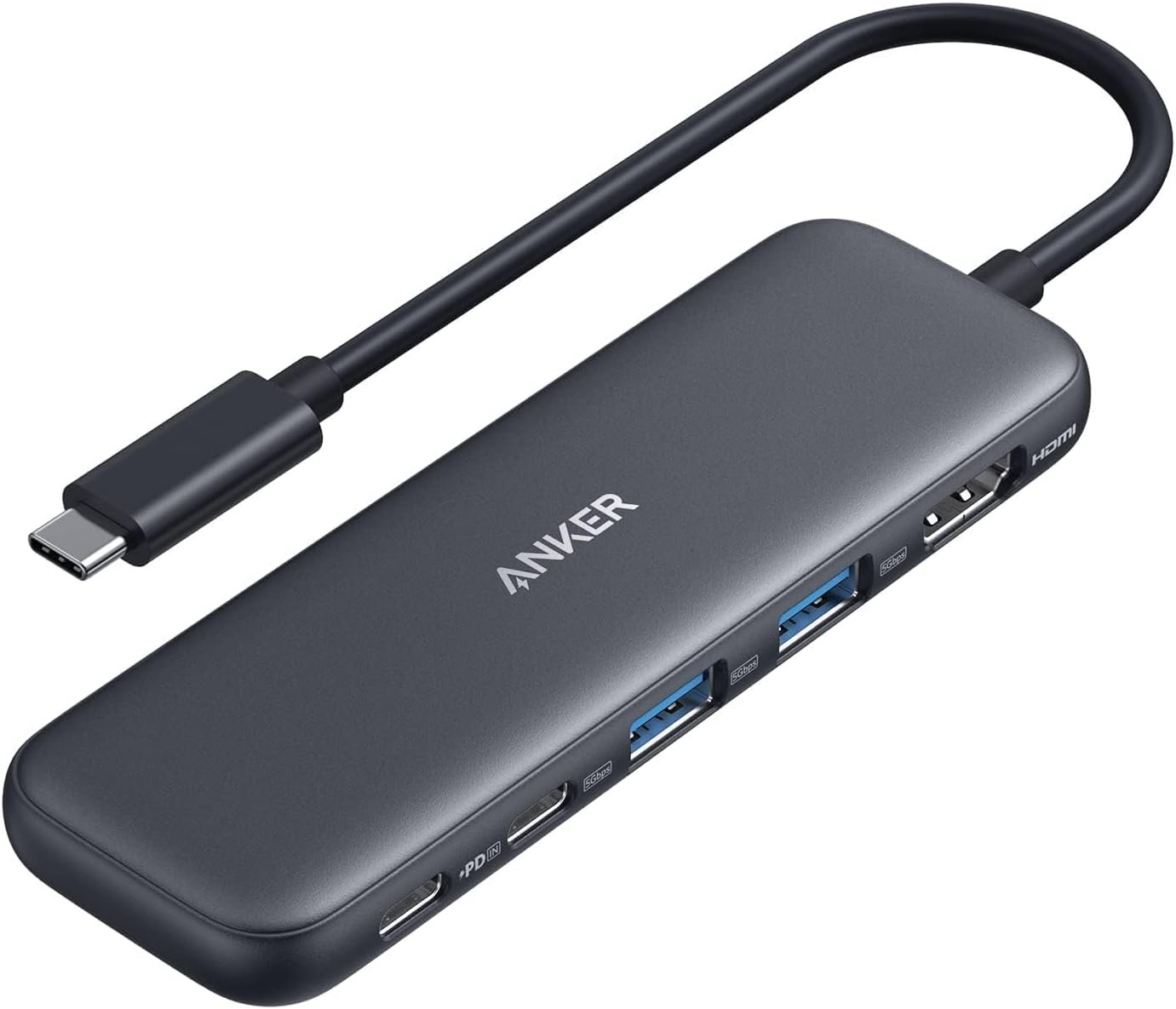
Modern laptops are becoming thinner and more streamlined, but that often comes with a trade-off: fewer physical ports. If you regularly connect external monitors, USB accessories, storage devices, or chargers, a compact USB-C hub can make a major difference. The Anker 332 USB-C Hub (5-in-1) is designed to provide several essential connections through a single USB-C connection, combining display output, high-speed data transfer, and pass-through charging in one compact solution.
With five different ports, support for 4K HDMI output, transfer speeds of up to 5 Gbps, and up to 85W pass-through charging, the Anker 332 aims to make laptop connectivity simpler and more flexible.
5-in-1 Connectivity for Everyday Use
The main attraction of the Anker 332 is its selection of five ports. The hub includes a 4K HDMI port, one USB-C data port capable of up to 5 Gbps, two USB-A data ports with the same 5 Gbps transfer capability, and a USB-C 100W PD-IN port for charging.
This combination covers many of the most common accessories people connect to laptops. You can use the USB-A ports for traditional peripherals and storage devices while using the USB-C data port for compatible newer accessories.
The inclusion of both USB-A and USB-C data connections is particularly useful because it allows the hub to work with a wider variety of existing devices without requiring multiple adapters.
One important detail is that the USB-C PD-IN port is designed specifically for charging. It does not support data-transfer devices such as headphones or speakers. This distinction is worth keeping in mind when planning how to connect your accessories.
High-Speed File Transfers
For users who frequently move files between external storage and a laptop, the Anker 332 offers transfer speeds of up to 5 Gbps through its USB-C and USB-A data ports.
That makes the hub suitable for transferring documents, photos, videos, and other files without relying on slower legacy connections. Having three dedicated high-speed data ports also provides flexibility when multiple USB accessories need to be connected at the same time.
Whether you’re moving files from a USB drive or connecting another compatible peripheral, the hub provides a convenient way to expand the available connectivity of a USB-C-equipped computer.
It’s also important to understand that the USB-C 5 Gbps data port does not provide video output. Display connectivity is handled through the dedicated HDMI port.
4K HDMI Display Support
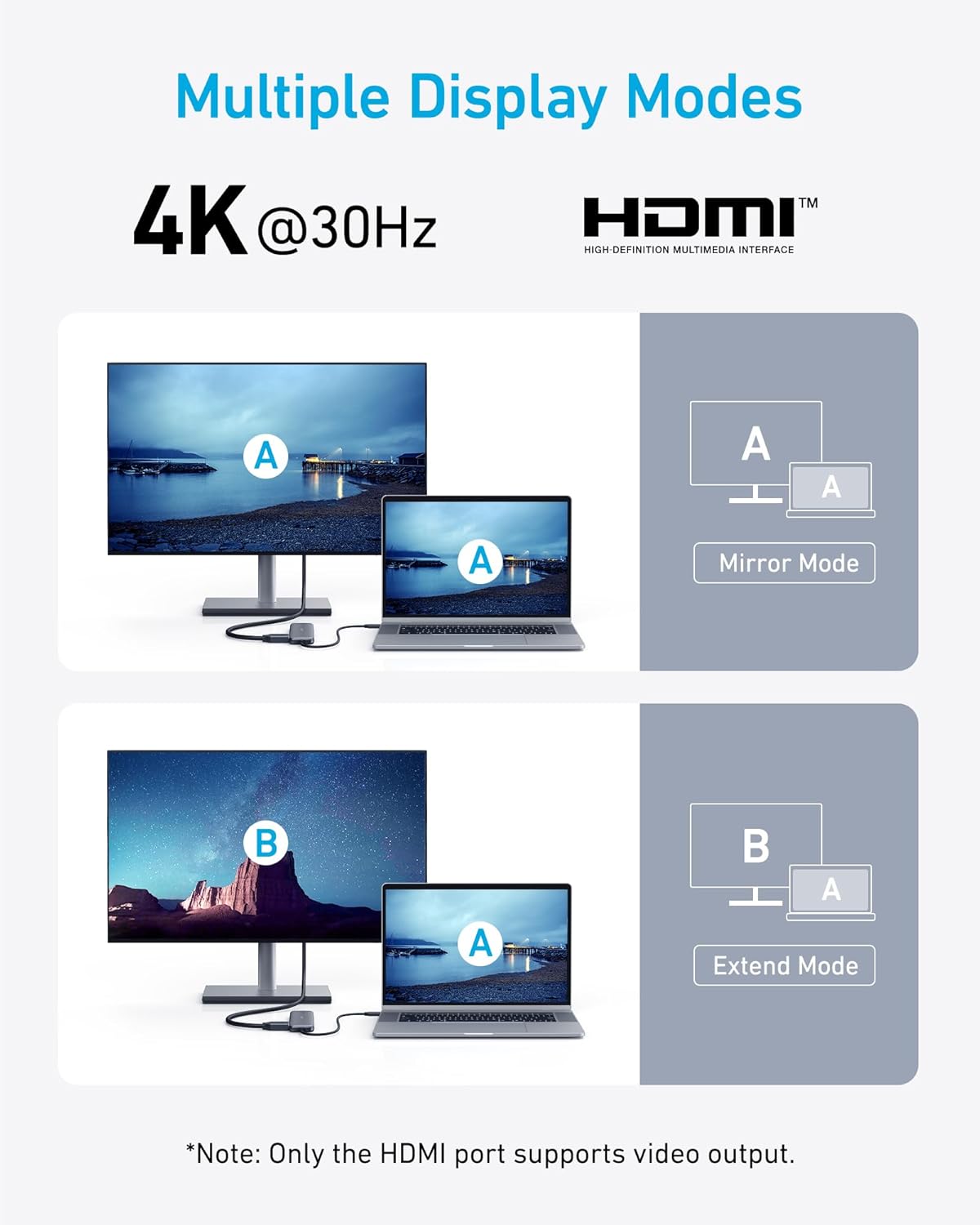
The dedicated HDMI port allows the Anker 332 to connect a compatible external display at resolutions of up to 4K at 30Hz.
This can be useful for people who want a larger screen for productivity, presentations, entertainment, or multitasking. Depending on your laptop and monitor setup, you can use the HDMI connection to stream or mirror content onto an external display.
The 4K capability gives the hub an advantage for users who want higher-resolution output rather than being limited to basic display resolutions.
However, the specifications clearly note that the USB-C ports on the hub do not support video output. This means the HDMI port is the connection you should use when setting up an external display.
Convenient Pass-Through Charging
Another major feature is pass-through charging. The Anker 332 supports up to 85W of pass-through charging, allowing you to power a compatible laptop while continuing to use the hub’s other functions.
This can be especially convenient for a desk setup where a single USB-C connection handles multiple tasks. Instead of disconnecting the hub whenever your laptop needs power, you can connect a compatible charger to the hub’s USB-C PD-IN port and continue using your connected peripherals.
The required charger is not included, so you’ll need to provide a compatible USB-C charger separately.
For iPad users, Anker recommends using a 45W wall charger to achieve full power. This makes it important to consider the charger you already own when planning your setup.
Broad Compatibility
The Anker 332 is designed to work with USB-C, USB4, and Thunderbolt connections, providing compatibility across a variety of modern computers and devices.
It supports MacBook systems running macOS 12 or newer, Windows 10 and Windows 11, and ChromeOS. It is also compatible with laptops equipped with DP Alt Mode and Power Delivery.
This broad compatibility makes the hub suitable for different environments, whether you’re using a MacBook at home, a Windows laptop for work, or another compatible USB-C device.
There is one significant limitation: the Anker 332 is not compatible with Linux. Users running Linux should take this into consideration before choosing this hub.
A Practical Solution for Laptop Connectivity
The strength of the Anker 332 comes from its practical combination of features. Rather than focusing on a large number of specialized ports, it provides several of the connections most users are likely to need.
The combination of HDMI, USB-A, USB-C data, and USB-C charging makes it particularly useful for everyday laptop setups. Someone working from home, for example, could connect an external monitor, USB accessories, and storage while keeping the laptop powered through the same hub.
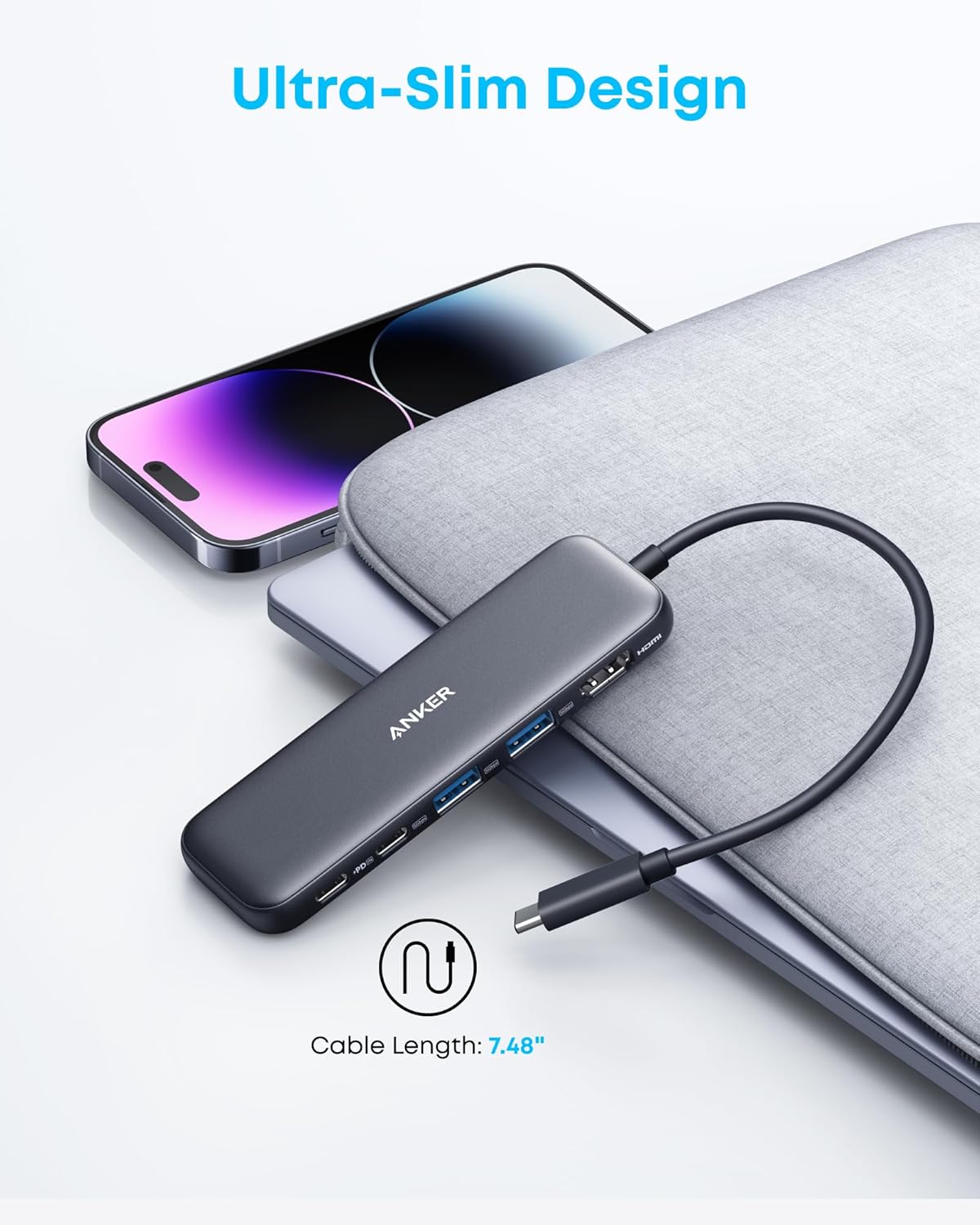
For travel, the compact five-port design can also help reduce the number of separate adapters needed in a laptop bag.
Important Details to Keep in Mind
While the Anker 332 offers useful connectivity, understanding its limitations is important for getting the most from it.
The HDMI port supports up to 4K at 30Hz, while the USB-C data port cannot be used for video output. The USB-C PD-IN port is exclusively for charging and does not function as a data port.
Additionally, the hub requires a separate charger for pass-through charging, and Linux systems are not supported.
These aren’t necessarily drawbacks for the intended use case, but they are specifications worth checking before purchasing to make sure the hub matches your particular setup.
Final Verdict
The Anker 332 USB-C Hub (5-in-1) is a practical way to expand connectivity on compatible laptops and devices. Its combination of a 4K HDMI output, three high-speed data ports, and up to 85W pass-through charging gives it a versatile feature set without requiring multiple separate adapters.
The ability to transfer data at up to 5 Gbps, connect an external 4K display, and keep a compatible laptop powered makes the hub well suited to everyday productivity and flexible desk setups.
Its support for USB-C, USB4, Thunderbolt, macOS, Windows, and ChromeOS further increases its usefulness across different devices. As long as your system meets the compatibility requirements—and you don’t need Linux support or video output through the hub’s USB-C data ports—the Anker 332 offers a straightforward and convenient solution for expanding your laptop’s connectivity.